23 / 32
Giving Up on FreeCAD (Again): Modelling a Part in OnShape in Five Minutes
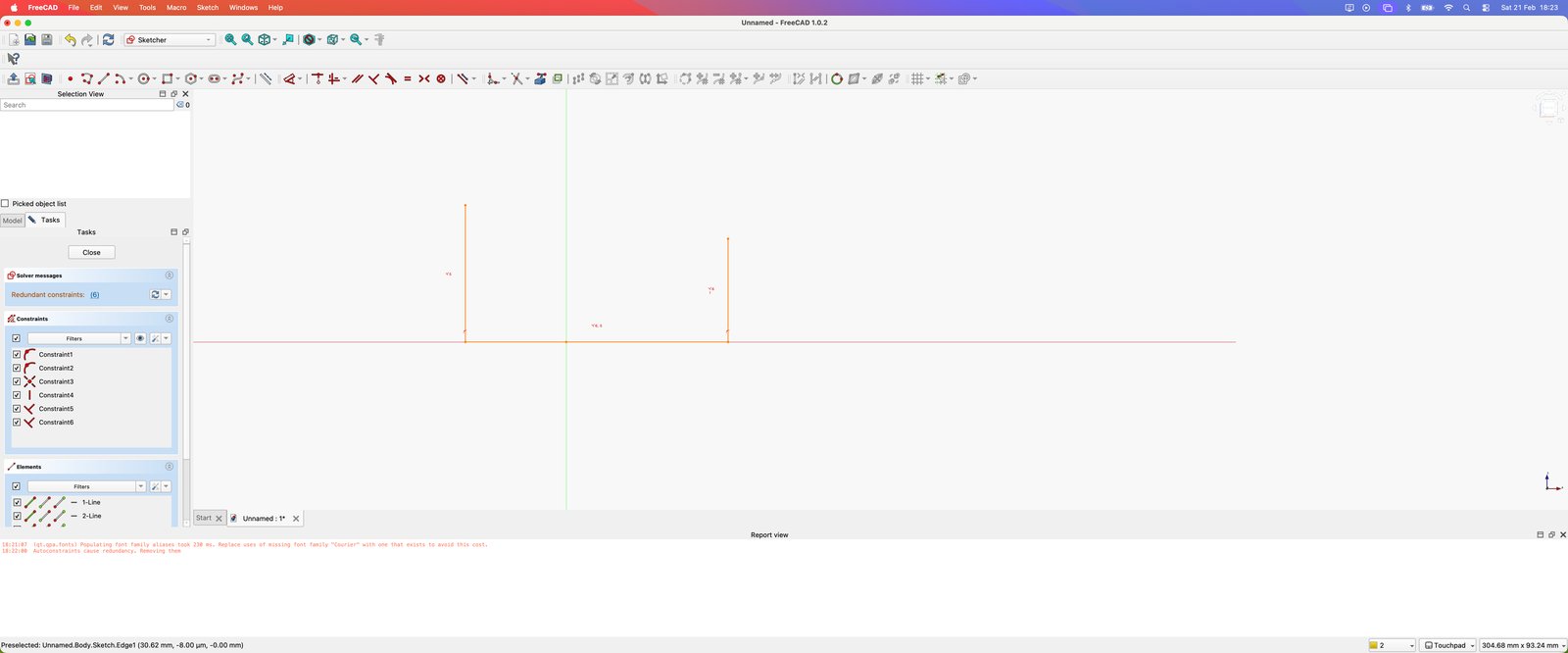
I set out to model a part in FreeCAD and spent the session squinting at my sketch trying to work out which constraint I'd applied where — I joked I needed a microscope to find it. After piling up too many errors with no apparent reason, I gave up and switched back to OnShape, where the same work took about 30 seconds, with a full part maybe five minutes away. I'm shelving FreeCAD and telling myself I'll give it another go in 2027.
Description
This wasn't so much a build as a failed attempt and a rescue.
The work started in FreeCAD. Most of my time went on trying to figure out what constraint I'd put on the sketch — at one point I said I'd need to get my microscope to see it. That set the tone. The errors kept coming, with no apparent reason behind them, and eventually I found myself giving up once again. It's a familiar pattern for me with this tool.
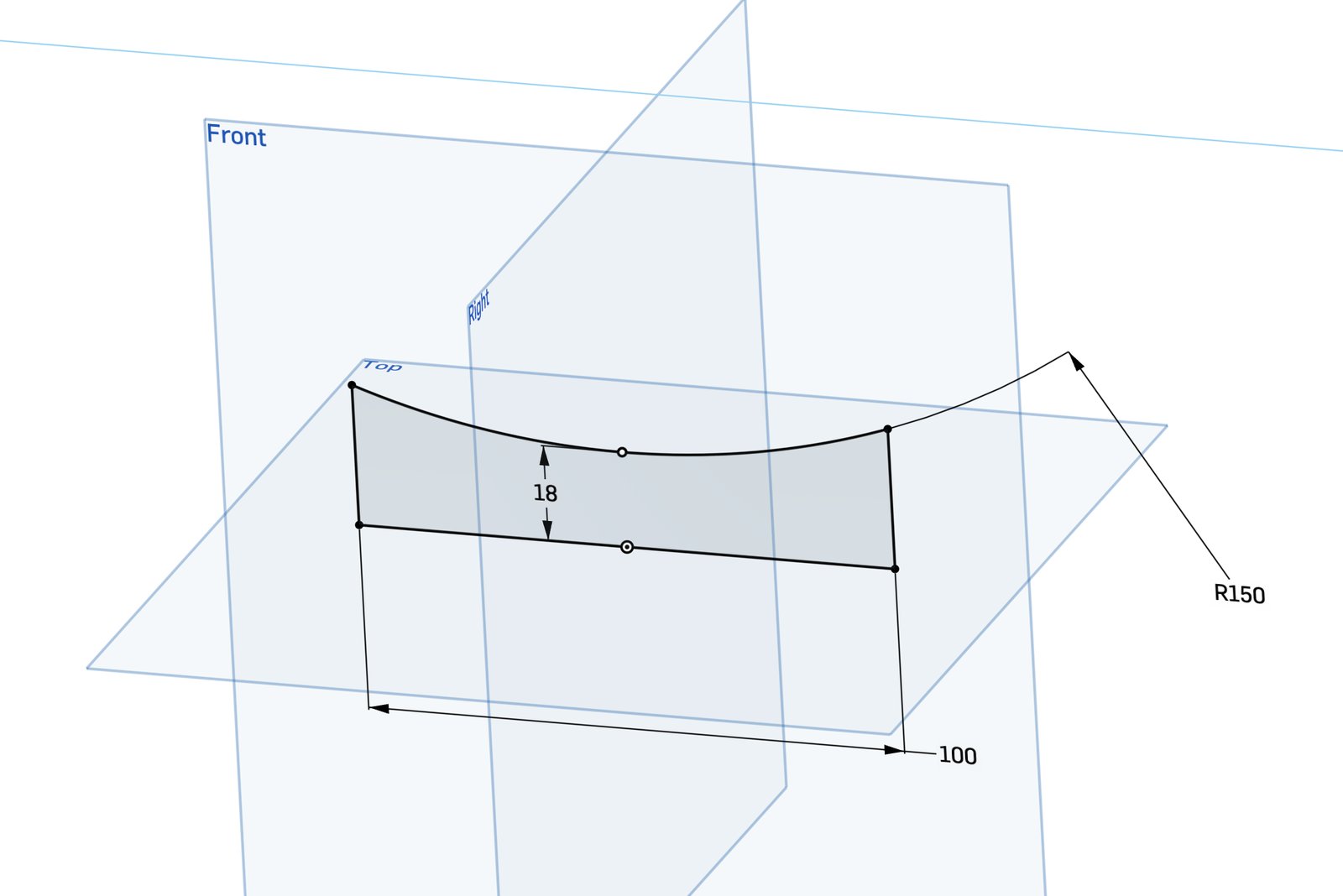
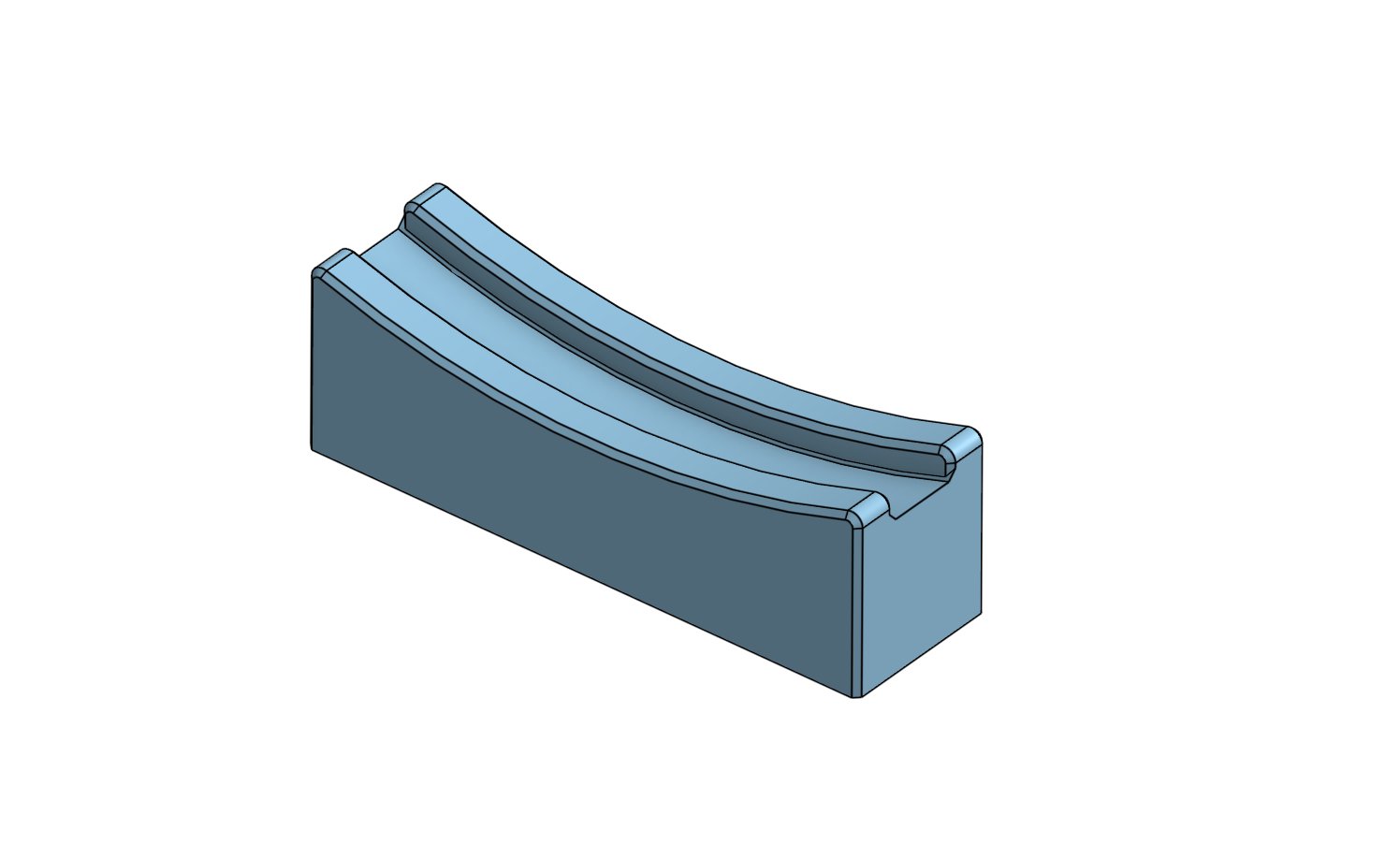
So I went back to OnShape. The difference was immediate: the step I'd been fighting with took 30 seconds. From there I reckoned I was about five more minutes away from a full part, which I have to admit is impressive next to the session I'd just had.
The way I described it at the time: going back to OnShape after a draining FreeCAD session is like taking off climbing shoes and putting on slippers. Stavros said he likes OnShape a lot too, and Rudd-O summed FreeCAD up as "Living life in Hard Mode ™".
I'm not writing FreeCAD off permanently — I said I'd try it again in 2027. For now, the part gets finished in OnShape.
Gallery
2 images